There are a couple of topics available that are about a cross-platform GUI for restic. Some are really outdated and therefore I thought it might be good to come up with a 2025 list of restic GUI’s. I’m still quite happy with “restic browser” (GitHub - emuell/restic-browser: A GUI to browse and restore restic backup repositories.), but I’m wondering if there are -better- alternatives?
Worth mentioning Relica as well — cross-platform GUI (Windows, macOS, Linux) with full CLI.
Main differentiator is multi-destination backup: define what to back up once, then attach local, cloud (50+ providers), and peer-to-peer destinations to a single schedule.
Let me throw in my very opinionated (I’m the author) choice of UI to access a restic repository: rustic snapshots -i
This is in fact a TUI (Text User Interface) which has the following properties (some can be pros or cons depending on your point of view):
Features: View of snapshots, trees (including file preview), diffs, statistics information; restore on any level (snapshot/tree/file), allows removal and modification of snapshots. I don’t know any UI having more functionalities to operate directly on a restic repository.
Can be started directly on the terminal including e.g. SSH-sessions; no browser or network connection needed/supported
Single binary without dependencies (does not even depend on a restic binary)
All code is a re-implementation of restic in Rust and completely independent from restic
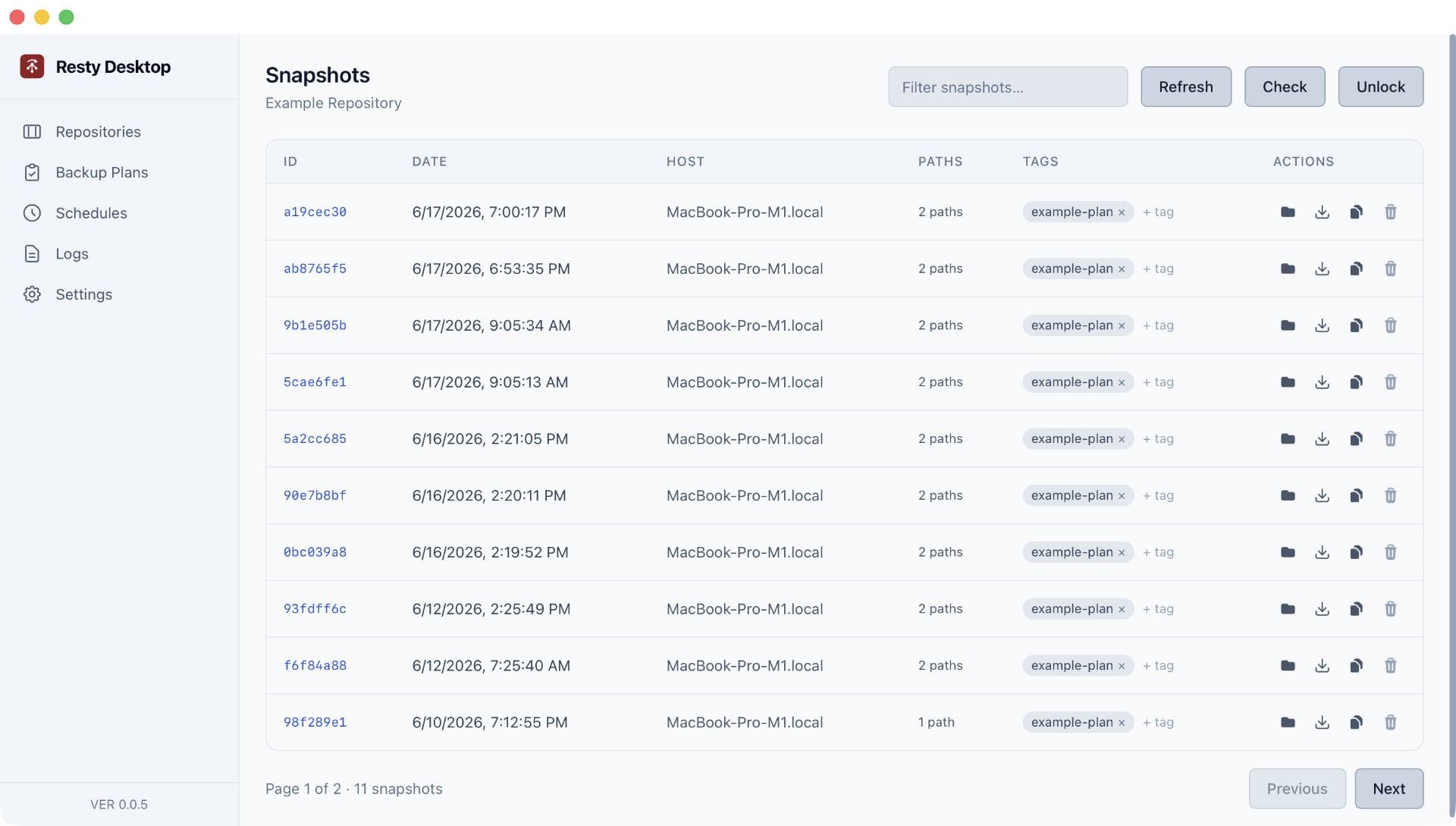
Shameless plug here, but I recently released Resty Desktop:
This is a cross-platform desktop application built with Tauri. It does not bundle Restic nor does it use any third-party API clones. It wraps an existing Restic installation, so the requirement is that you install Restic on your computer.
It’s packing quite a few features:
Local and remote repository support.
Repository passwords are encrypted with a master password and remain encrypted at rest.
Backup plans with custom paths, exclusion rules, and retention rules.
Schedules for backup plans.
Search within snapshots AND across repository snapshots for files in your repository.
Browse snapshots and restore files.
Mirror entire repositories OR copy single snapshots to another repository.
Import settings from Backrest.
Show diffs between snapshots.
There’s a bunch more features, but you’ll get the idea. I created this because the CLI is cumbersome if you’re an occasional user like me and don’t want to use a web tool like Backrest.