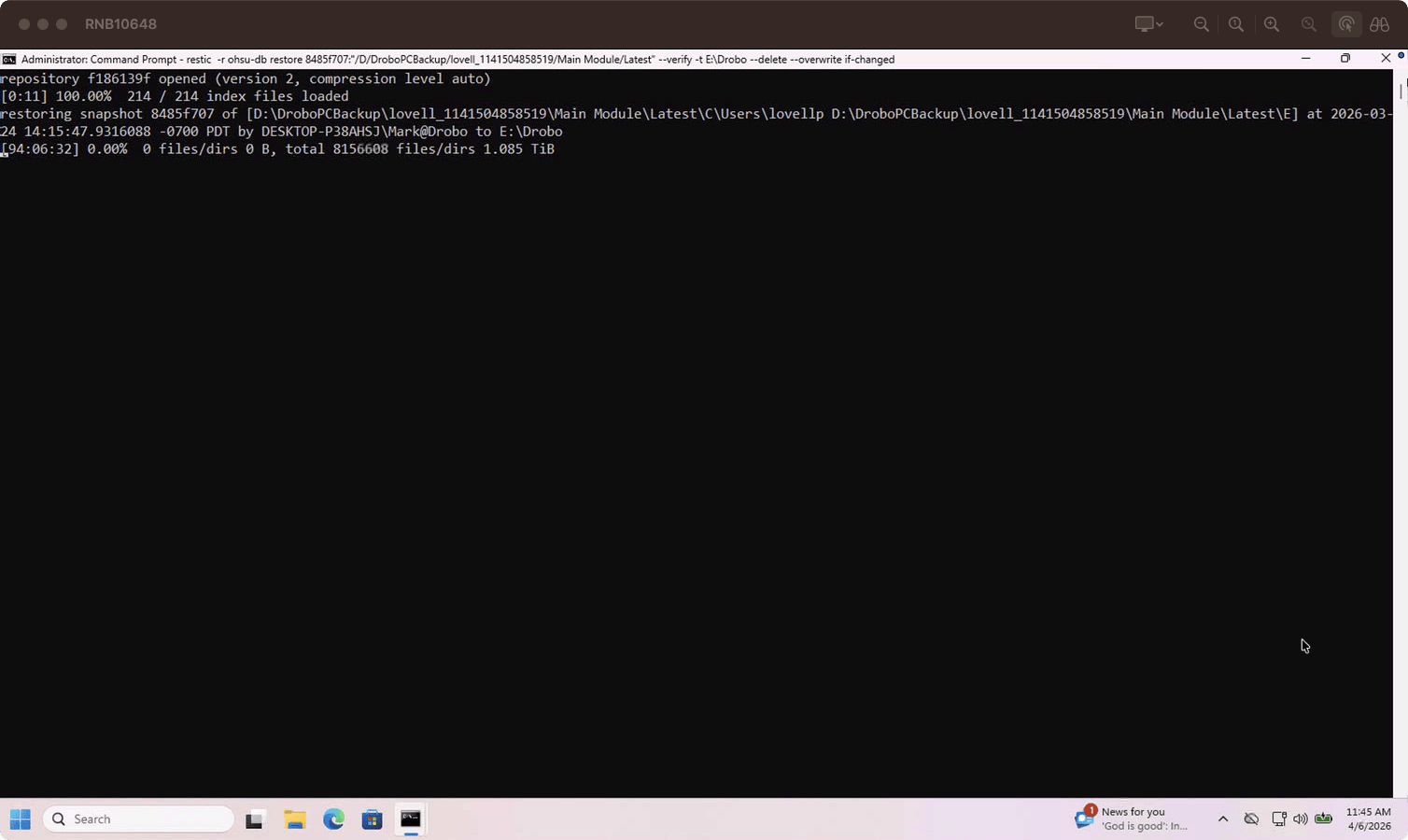
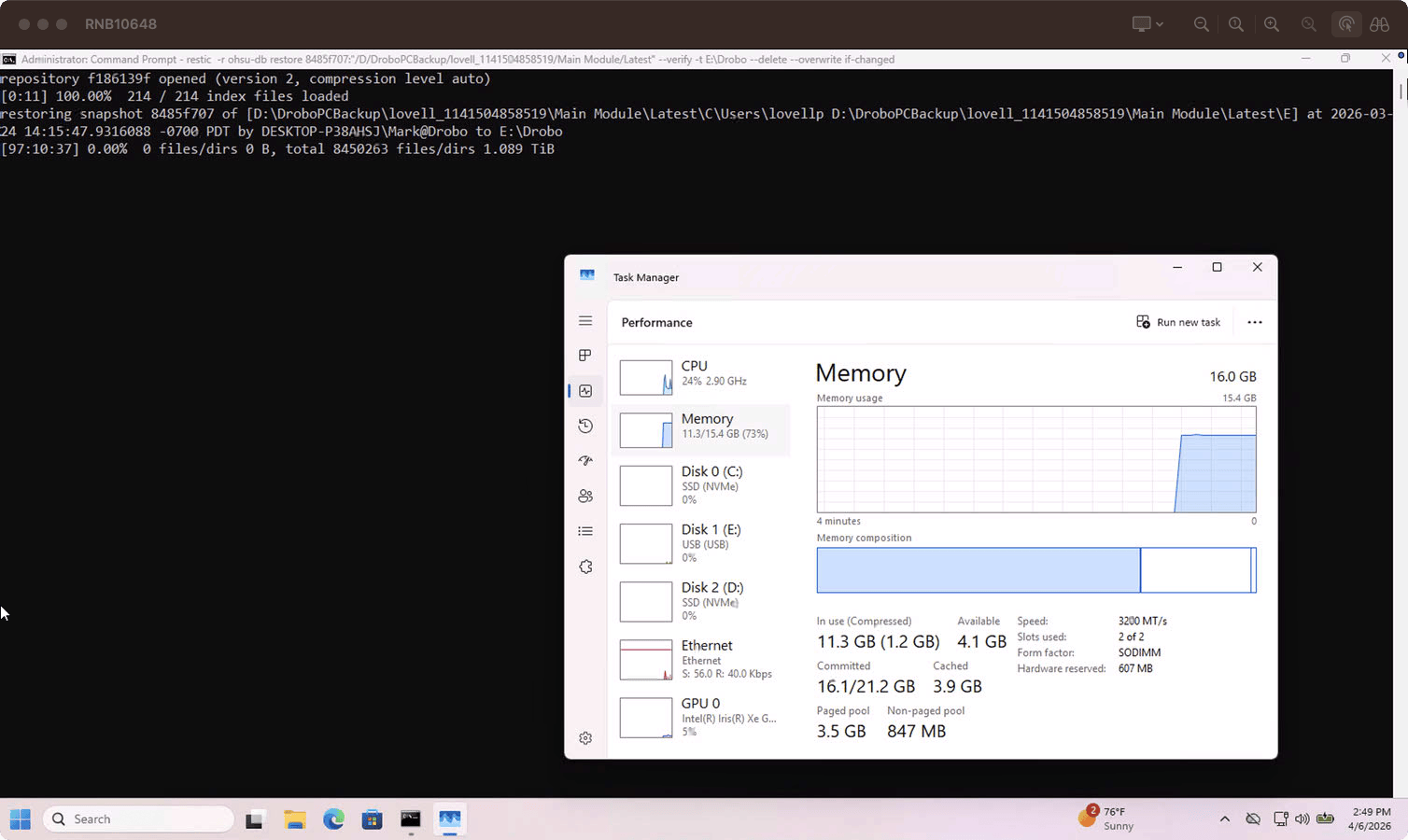
I’m on the latest build of Restic. Doing a restore + verify. I figure the answer is “no”, but is there any way to skip the initial file counting before the restore? This snapshot is full of small files, about ~1.5TB total. It’s been going for 94 hours and hasn’t even started to restore anything yet.
Source is a Thunderbolt 3 SSD ~2900MB/s. Target is a HDD, but yeah it hasn’t even gotten that far yet. Not complaining - just making sure I’m not missing something obvious like --no-scan for restores. Or if that would be possible, I’m seeing if it’s a feasible feature request. I figure it’s necessary for the restore, but on the off-chance I’m wrong… lol
Stats: Total File Count: 19696980 Total Size: 1.498 TiB
as per my knowledge the answer is no. The reason is based on the following design of restic restore:
List all files in the snapshot
Identity from the index which packfiles must be restored and map it to files identified in 1.
As packfiles are retrieved and processed; the files are written in to.
Apply metadata to all the files by reading the tree blobs
The above is what I have figured out from working on the code base.
The issue here maybe that it’s storing 19696980 file paths in memory and then has to build the index to pack mapping before triggering retrieval. (I am also thinking some of this data in memory gets paged and adds to the issue; this is a random guess, I am not an expert)
i will have a look at the code, maybe some performance improvements can be done here. Instead of —noscan maybe adding more threads might help.