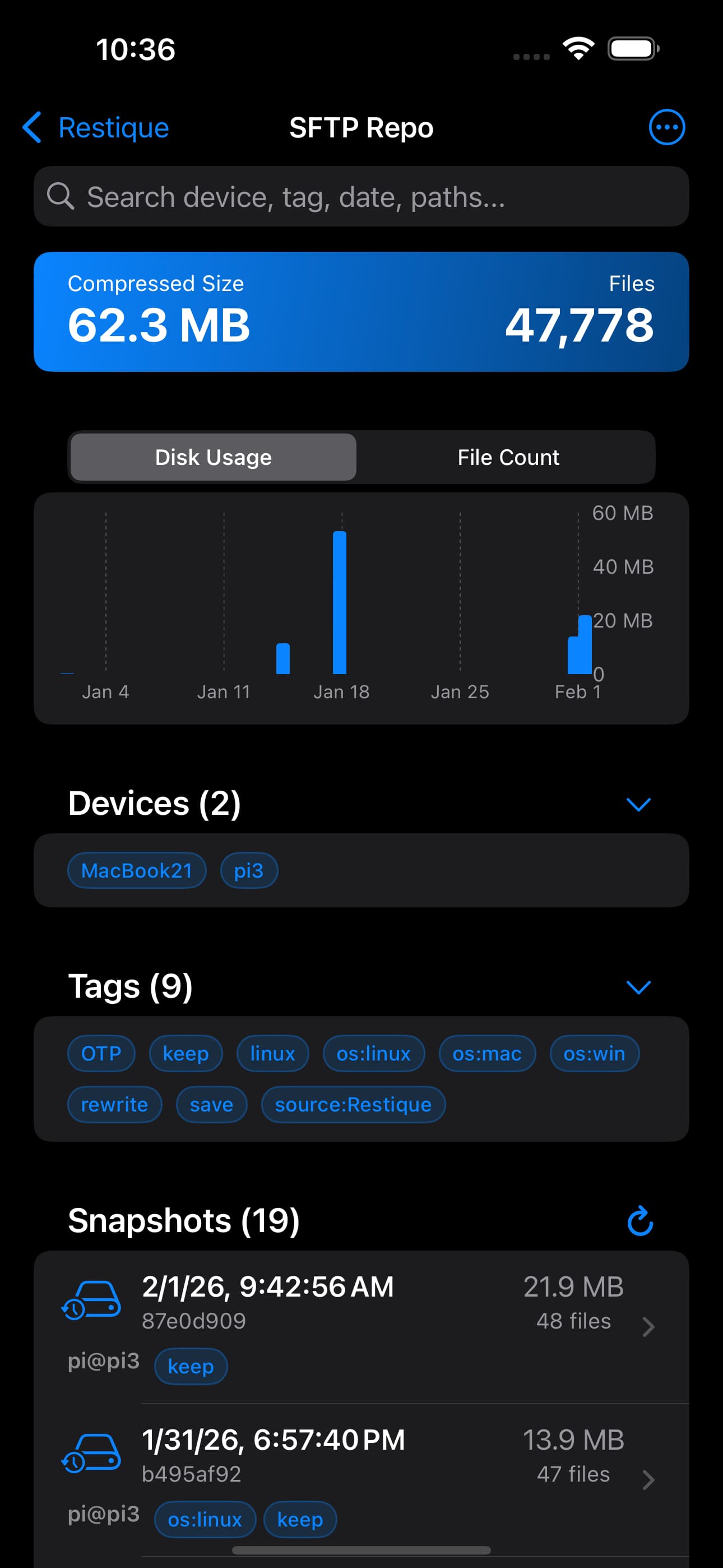
Restique 1.11.0 for iOS has just been released with a few new enhancements.
Support RFC 4226 HTOP: HMAC-based One-Time Password).
Backup OTP to restic repository, never lose your OTP secrets again.
Improved Code scanner.
Support pickup multiple images from photo library and scan OTP QR codes in them.
Support view pdf, office word, excel, powerpoint files and more.
Swipe to delete downloaded copy.
Support update repository password if password is changed on other device.
Bug fixes and performance improvements.
Next:
I am considering adding a feature that allows contacts and photos to be backed up directly from an iOS device to a restic repository. Please let me know if you have any thoughts or feedback.
Restique 1.12.0 for iOS has just been released with a few new enhancements.
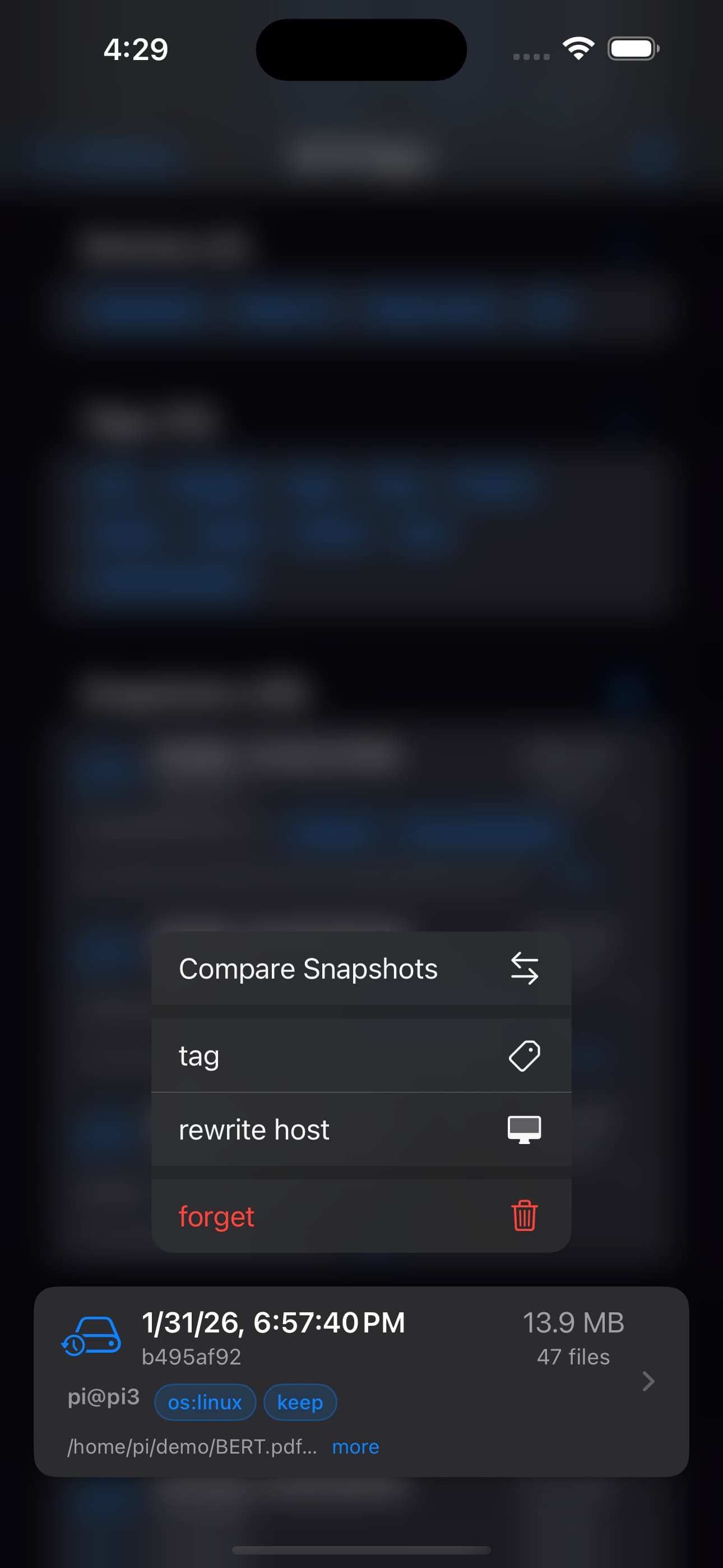
Added the ability to forget a snapshot (without pruning). Swipe to forget a snapshot; pruning can be time-consuming and should be performed on a computer.
Added snapshot tag management. Swipe to add or remove tags from a snapshot.
Added the ability to diff two snapshots to see file changes between them.
Added snapshot filtering by hostname.
Added snapshot filtering by tag.
Added snapshot filtering by search backup user, path, time (IOS date format e.g. 2025-11, 2025-11-03).
Added repository QR code support to enable smooth migration of a repository to a new device.
Restique 1.13.0 for iOS has just been released with a few new enhancements.
Now you can change snapshot host name.
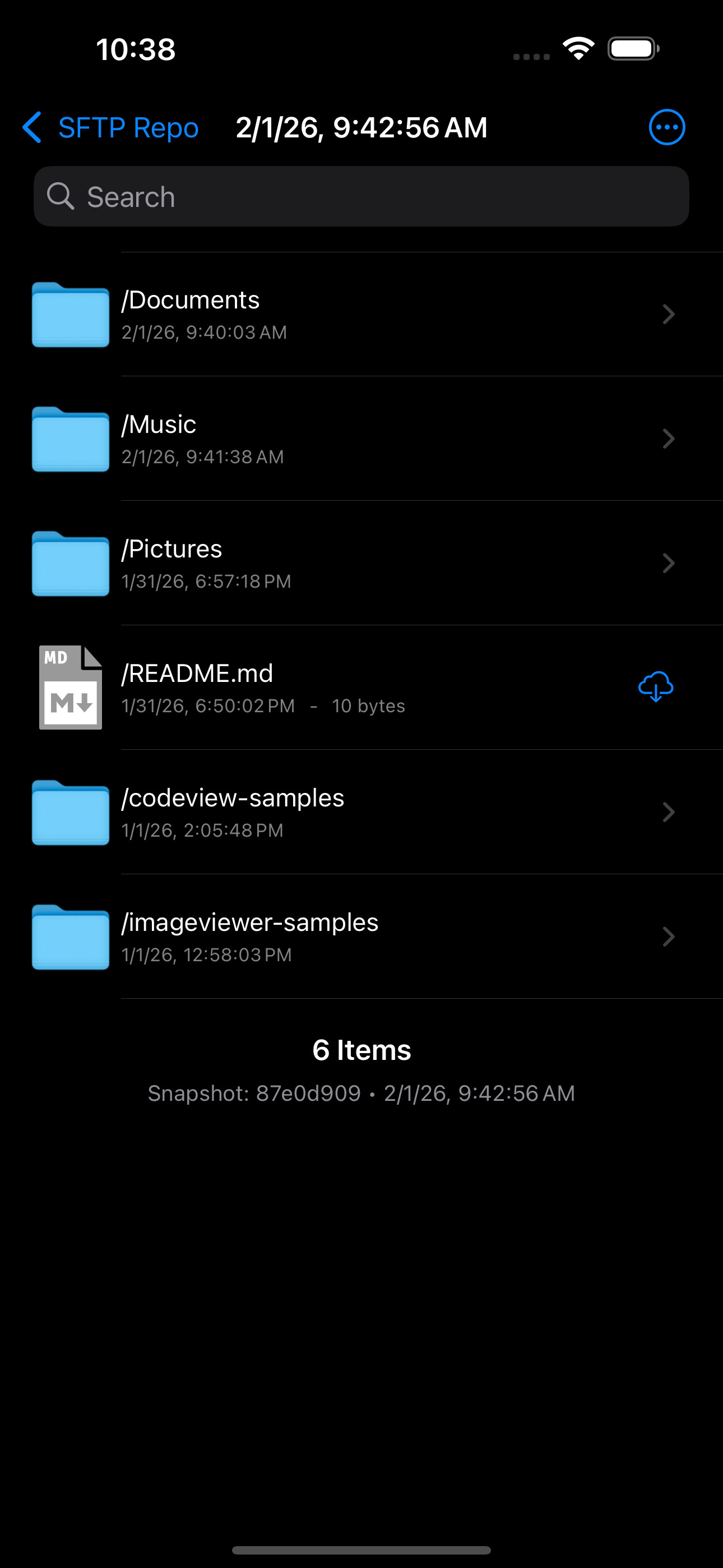
Contacts backup as a snapshot in restic repository. Never lose contact by accident changes/delete. Now you can versioning your contacts through snapshots.
Seamlessly integrates with the Files app, allowing you to import your restic repository from USB storage, iCloud, or any online storage provider that supports File Provider.
This provides a way to open a backup stored on a flash drive using an iPhone or iPad.
@flinteger-code Question - are the TOTP codes synced via iCloud? If I got a new phone, would the codes automatically come back in? If not, how would you restore from the backup file?
Yes, the OTP codes are end to end encrypted stored in iCloud keychain.
To make restore more easier if not use same iCloud account, I will add a new feature to import from backup otps.txt to be able to restore from backup snapshot.
OP, can you please provide a detailed description of how one would back-up OTP codes in a restic repo using your app? Would one need to recreate all OTP entries inside your app, using the seeds recovered from any other OTP generator (Google Auth, iOS Passwords, etc)?
How would this option be any different from an app that backs up the OTP seeds - ie Google Auth, iOS Passwords, etc? Not talking about small players’ apps, rather big guys’ cloud
If you have the seed, you can re-create it, or import it from Google Authenticator via QR code.
You can have a plain text file with a list of otpauth:// URL lists, see the The otpauth URI Scheme.